IIStarter
Eight shots, no do-overs
Why Eight Shot gives you a pack of eight and a counter that only counts down.

A phone camera will take as many photos as you like. That’s the problem. You take forty of the same moment, keep none of them and never look at them again.
Eight Shot goes the other way. Every roll starts as a real 8-shot film pack,1 and a counter ticks down as you shoot, the same way a physical instant-film pack does. When it says nought, the pack is done.
Fewer shots. More photographs.
How a pack works#
There are no settings to learn before your first shot. A pack goes like this:
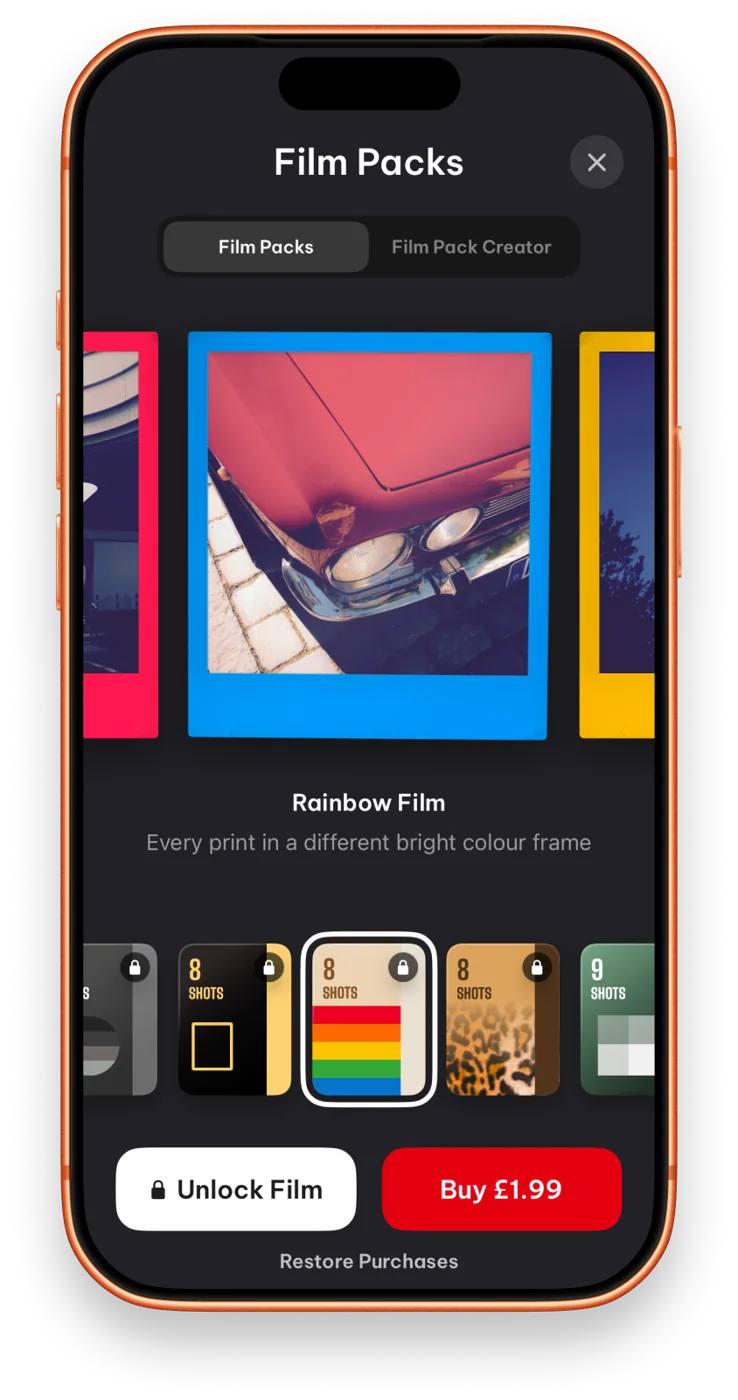
- Load a pack. Each one has its own frame and finish.
- Frame and capture, one shot at a time. The counter drops by one.
- Develop your prints, then load the next pack.
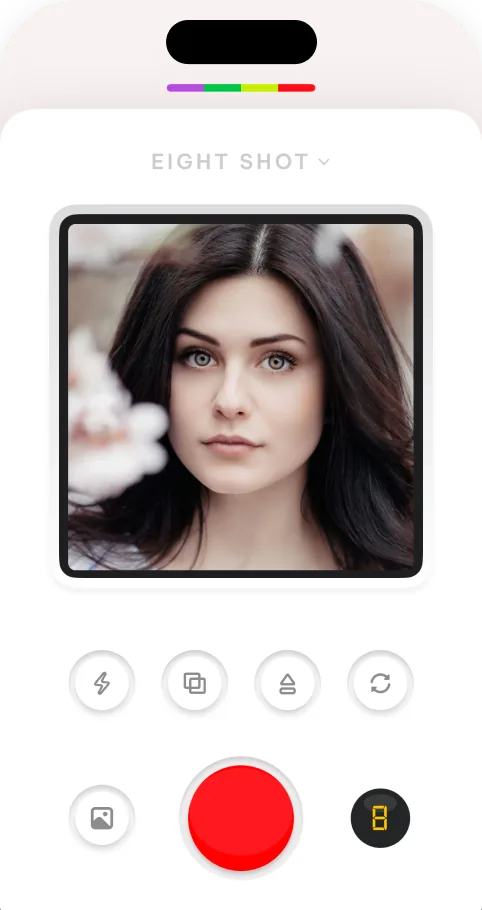

Every frame counts#
With eight to a pack you stop spraying and start choosing. You wait for the laugh instead of shooting through it. The camera keeps the old habits: flash, a self-timer and a shutter that feels like it’s doing something.




Double exposure#
Layer two shots into a single frame. It costs you one shot from the pack, so you think about both halves before you press.
I sat on the shutter button twice. That’s a double exposure.
Packs, and making your own#
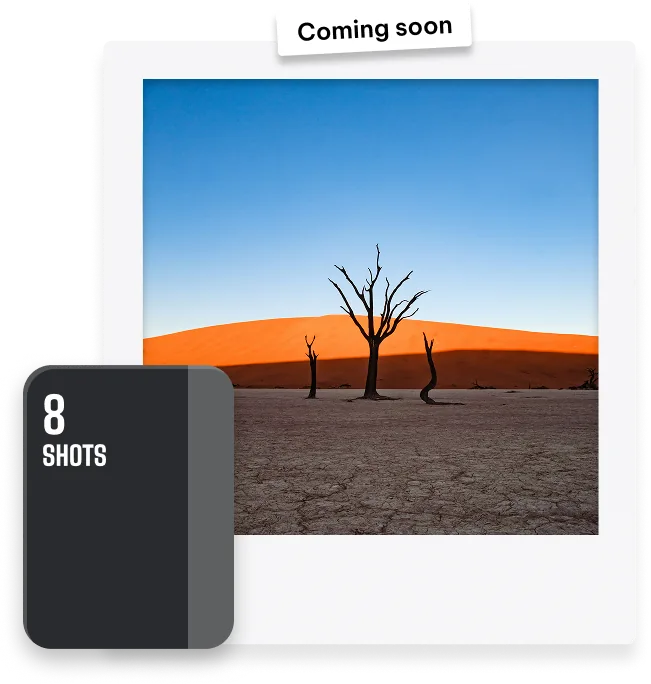
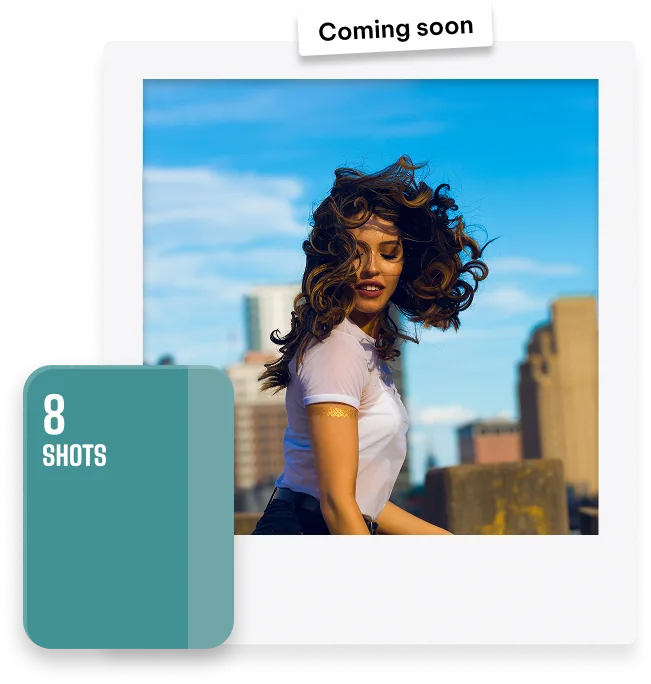
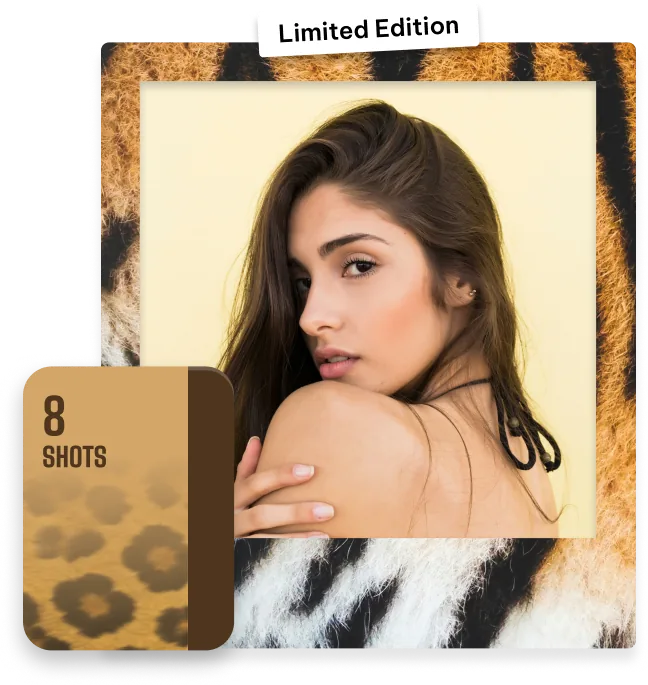
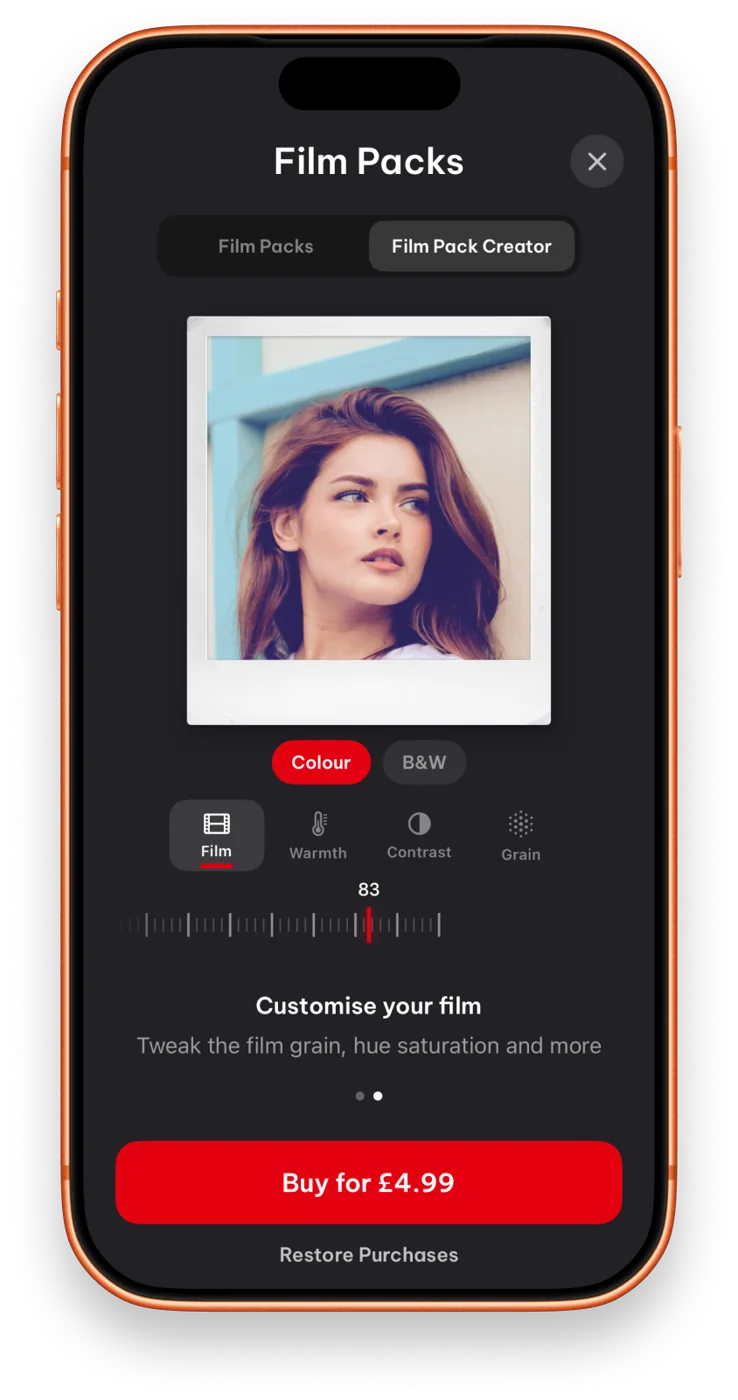
Packs change the look of every print: the frame, the colour, the finish. If none of them is quite right, the Film Pack Creator lets you build your own.
The recipe: a film pack of your own
Ingredients
- Grain, to taste
- Colour
- Saturation
- One frame
Method
- Open Film Packs and choose Film Pack Creator.
- Adjust the grain, colour and saturation.
- Shoot a pack and see how it develops.
Shared albums#
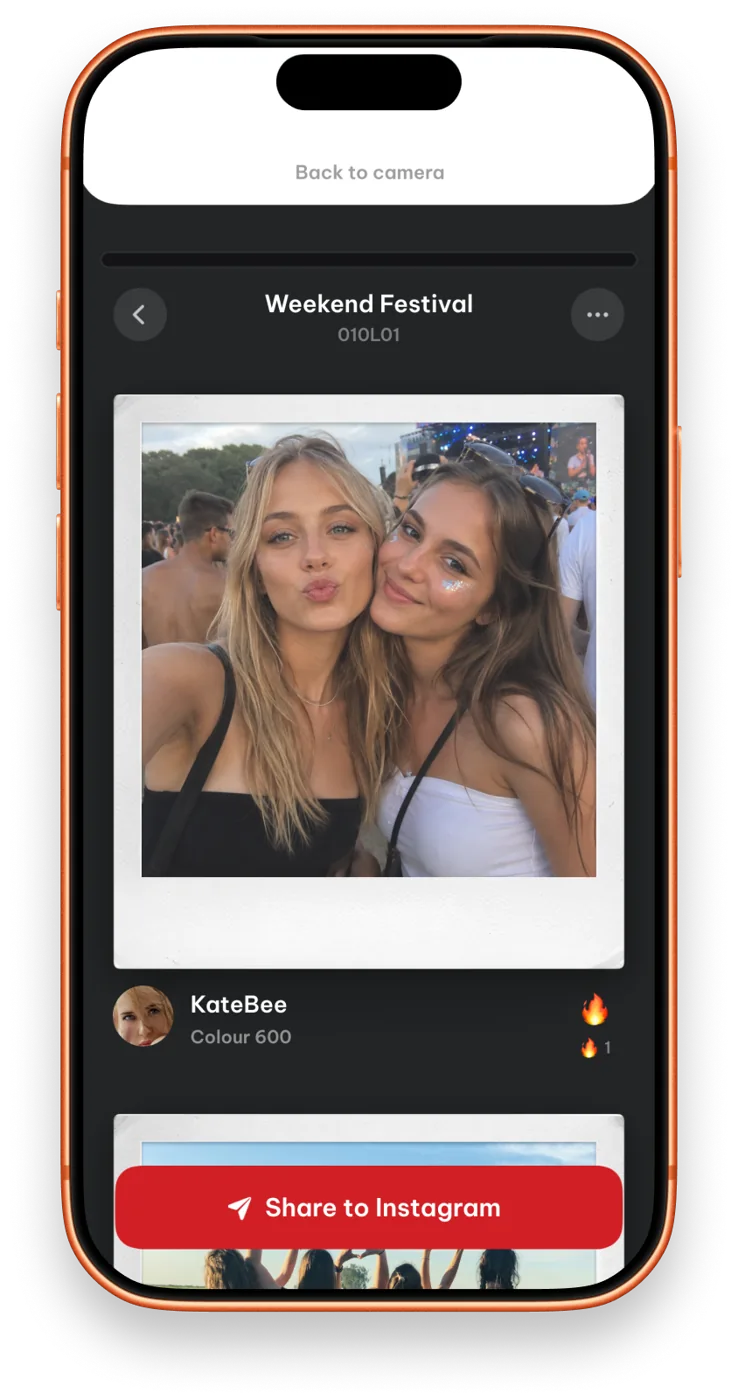
A pack shot at a party belongs to everyone who was there. Shared albums collect a pack’s shots together with friends, so the prints end up in one place instead of five camera rolls.
Eight Shot at a glance#
| Course | What you get |
|---|---|
| Eight Shot | Free, with 8-shot film packs, double exposure and shared albums |
| Film Pack Creator | £4.99, one-off2 |
| Works on | iPhone (iOS 17+) and Android |
| Made for | iPhone Duo |